
Export your invoices
Download your invoices as a CSV for your accountant or spreadsheet.
Exporting gives you a CSV with one row per invoice: number, customer, dates, amounts, tax and status.
Export from the invoice list
Go to Invoices, choose the tab and dates you want, then click Export at the top of the list.
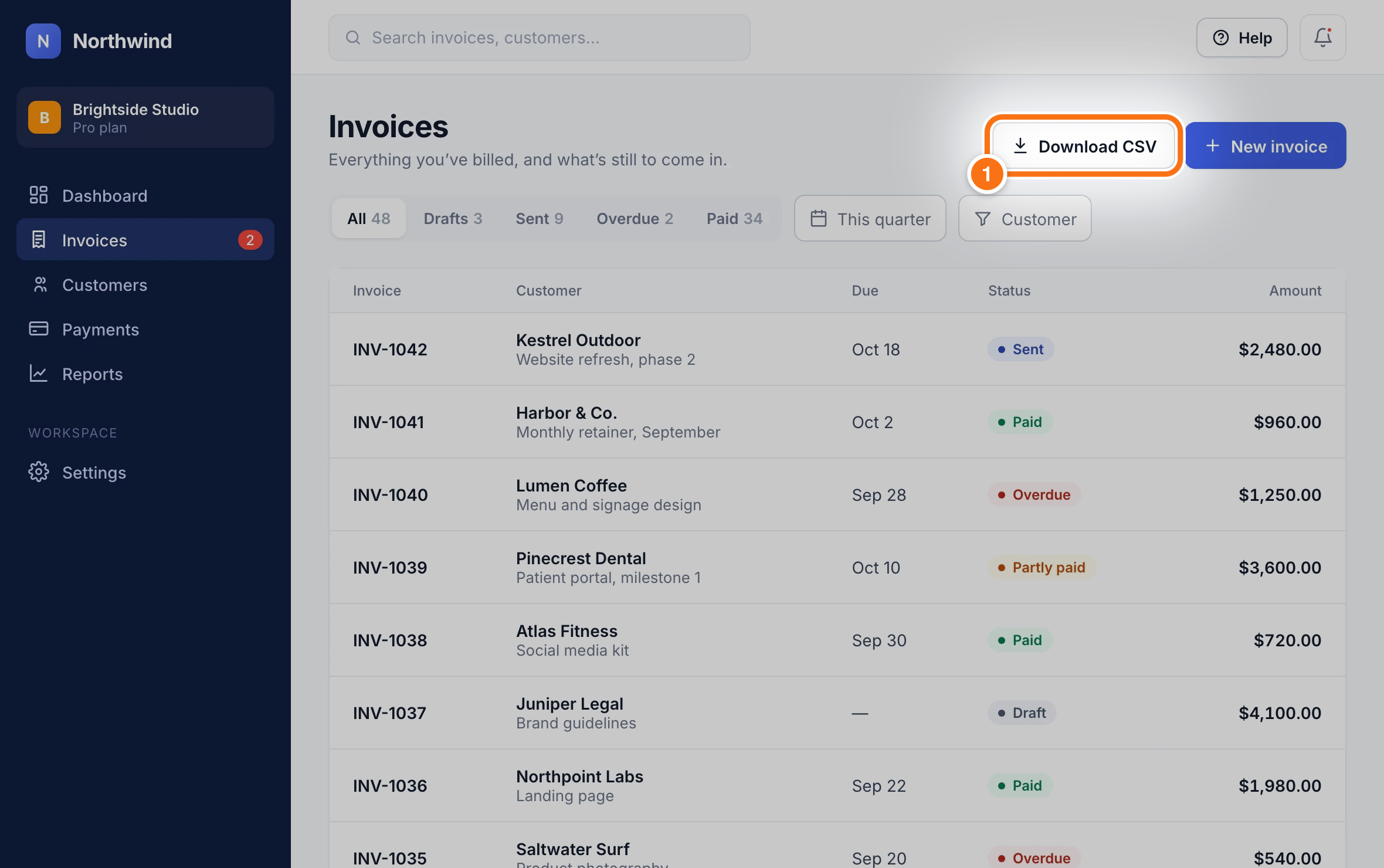
The file downloads straight away and includes the invoices shown with your current filters.
Tip: For a full set of books, connect QuickBooks or Xero instead: invoices and payments sync every hour.
Did this answer your question?